You can transfer funds between trading accounts or wallets within your Personal Account instantly and without commissions. To do so, use the Internal transfer feature.
1. Log in to your Personal Account using your registered email and password.

2. Go to the "Funds" section and select "Transfer Funds".
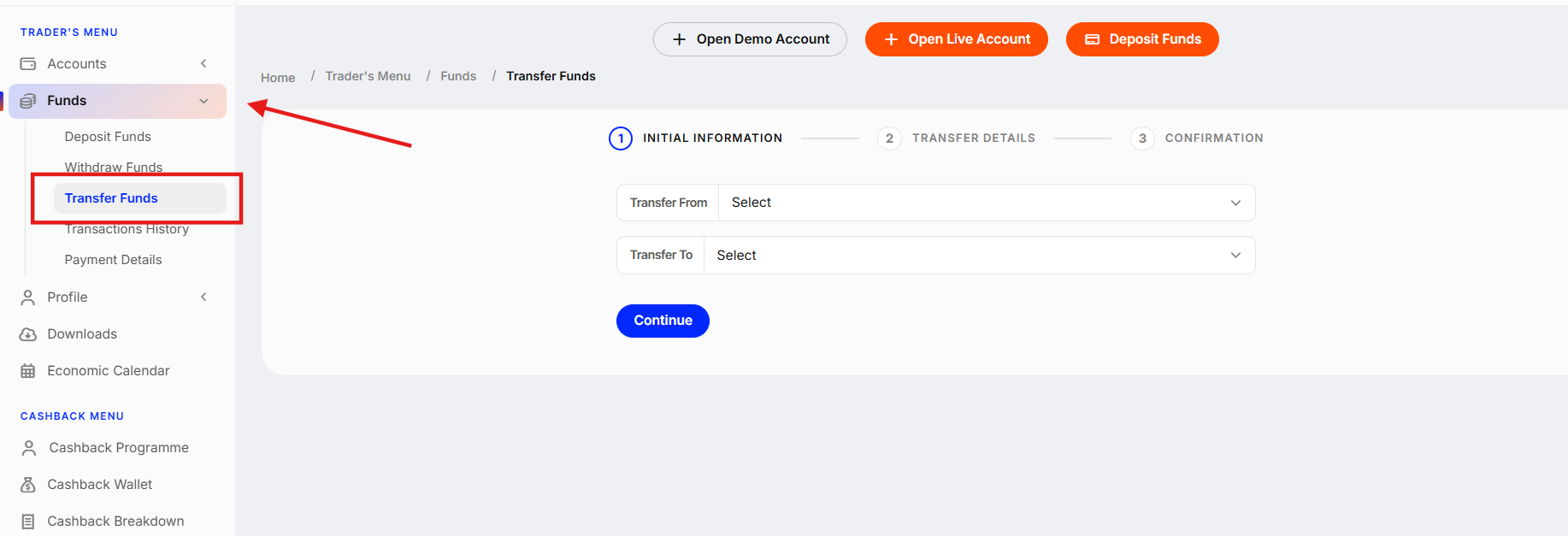
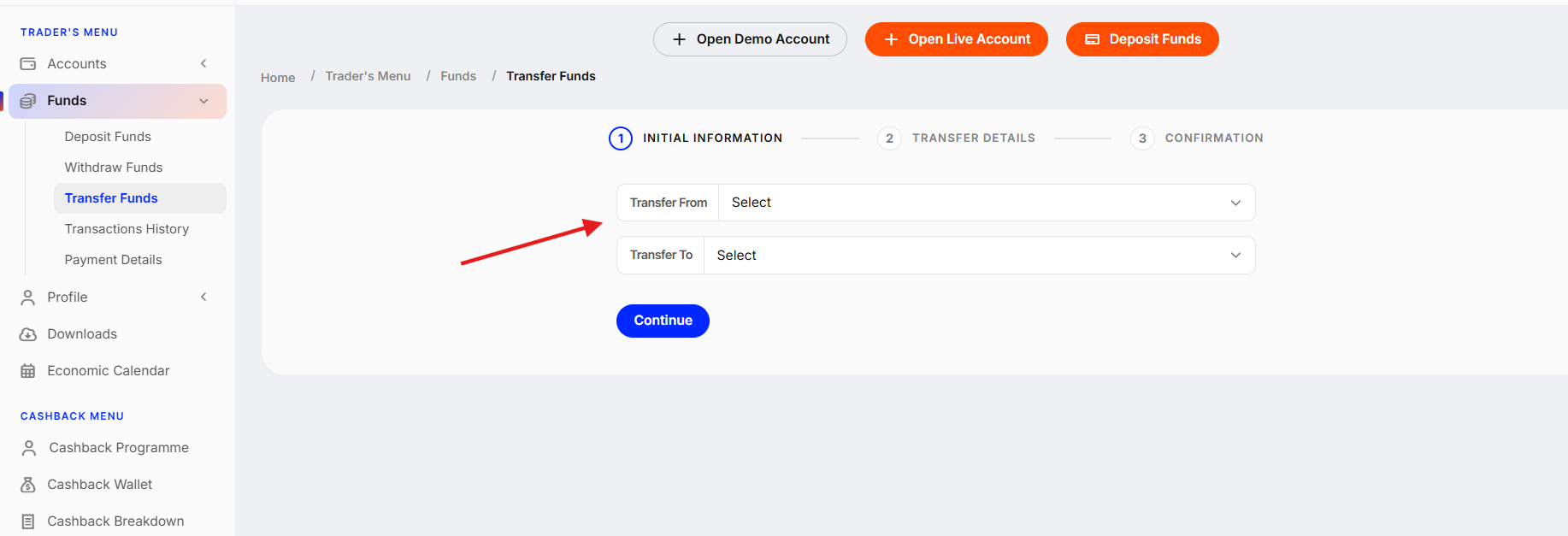
3. Select the account to transfer funds from and the account to transfer funds to. Click "Continue".
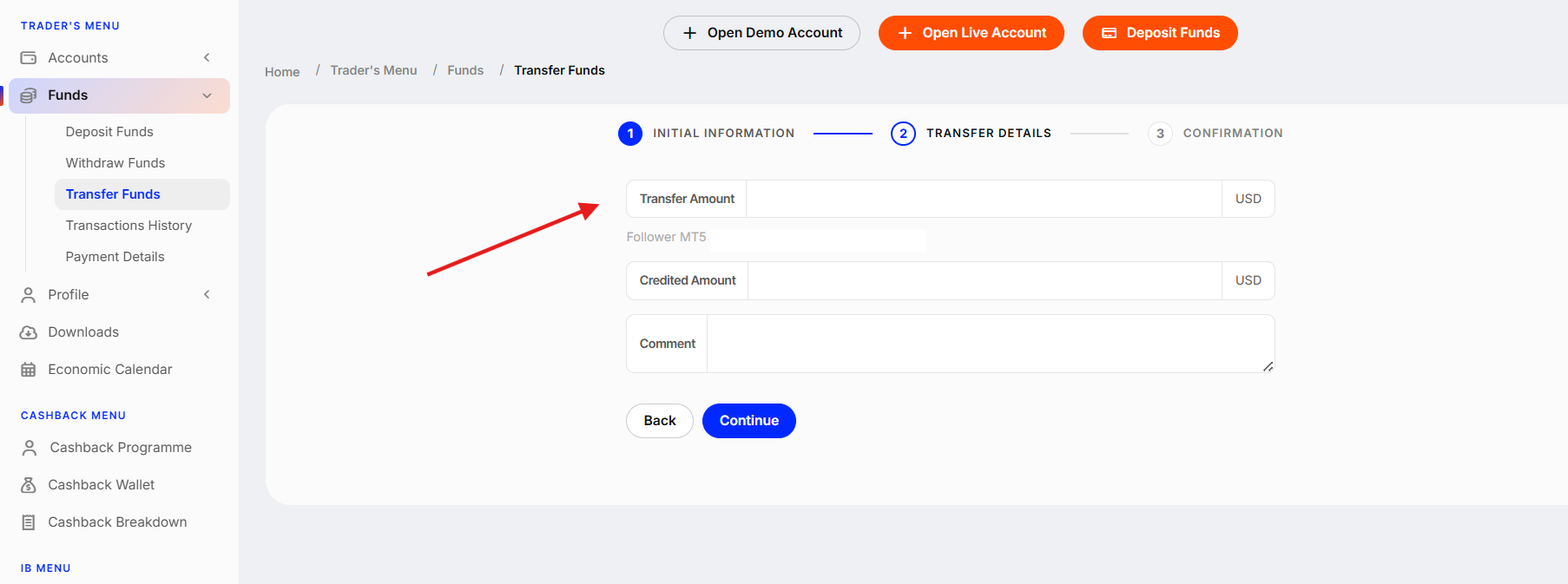
4. Select the amount you want to transfer and click "Continue".
5. Confirm the transfer.
Transfer complete! Funds will be moved instantly between the selected accounts.
Was this article helpful?
That’s Great!
Thank you for your feedback
Sorry! We couldn't be helpful
Thank you for your feedback
Feedback sent
We appreciate your effort and will try to fix the article