You can create an LBX account in just a few quick steps. The process is the same whether you're accessing the desktop or mobile version of the platform.
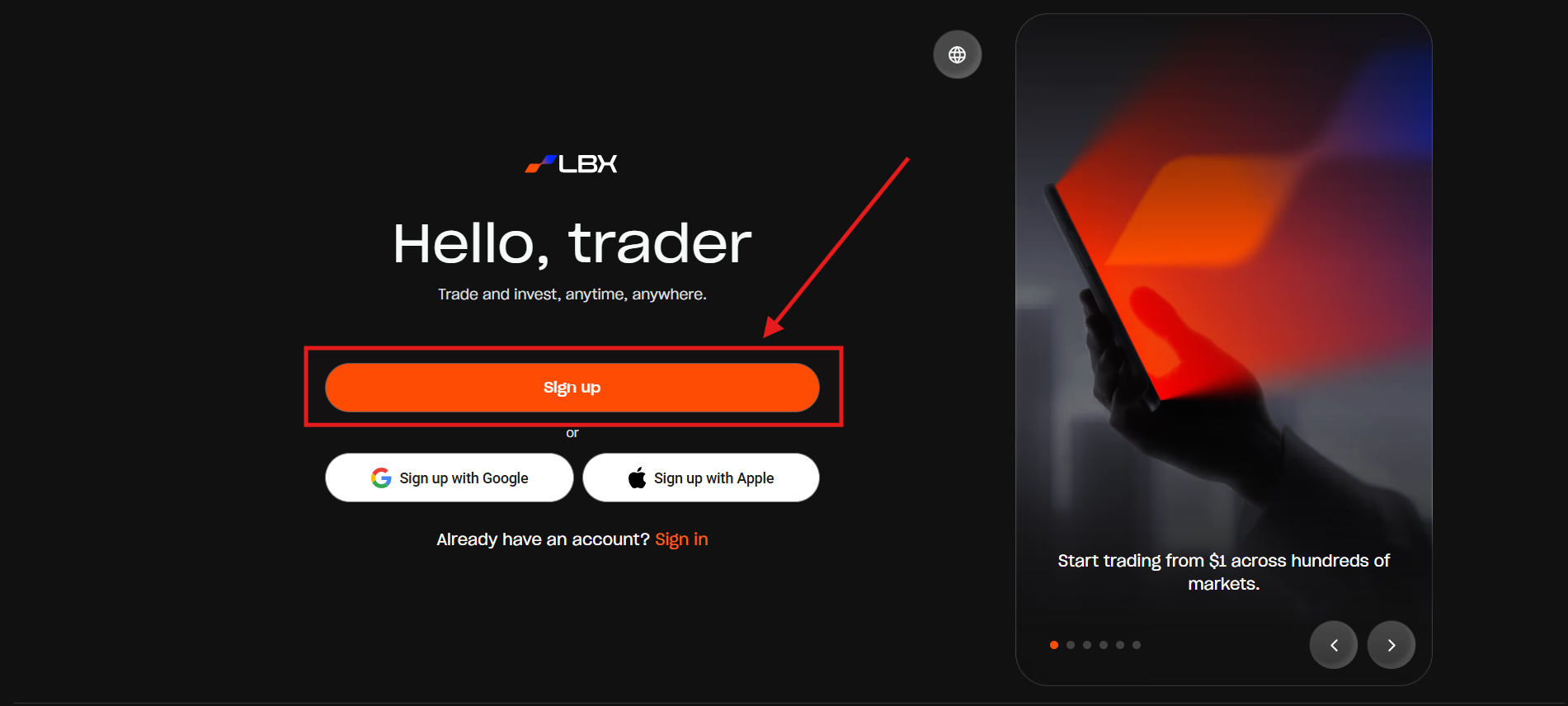
1. Go to the website and click the "Sign Up" button (alternatively, you can sign up using your Google or Apple account).
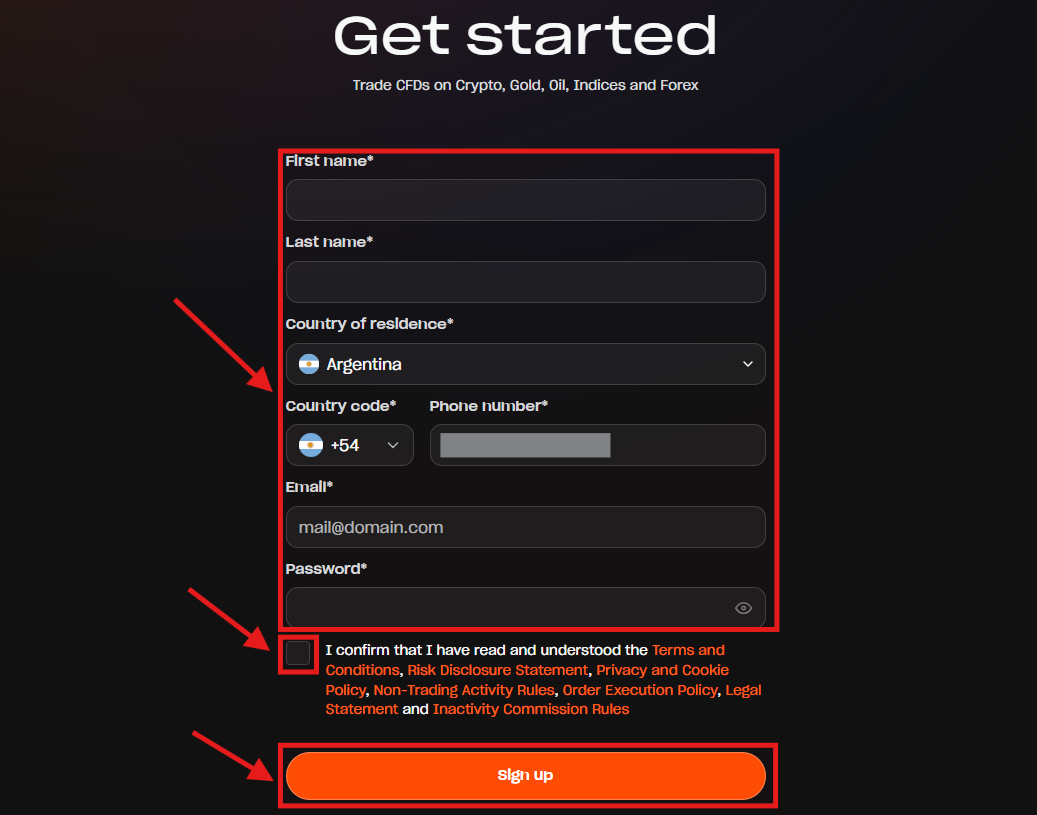
2. Enter your personal details, accept the Terms & Conditions, and click "Sign Up".
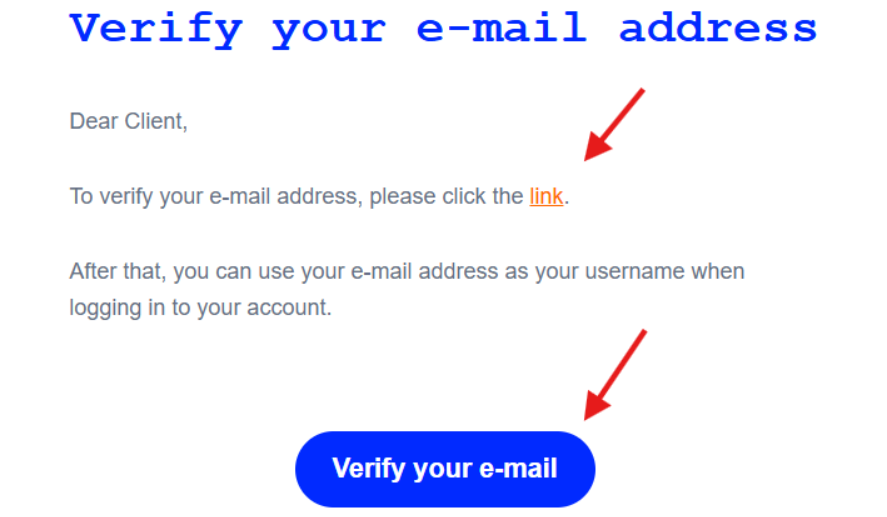
3. A verification email will be sent to your email address. Please check both your Inbox and Spam folders.

4. Open the verification email and click the confirmation link or the "Verify your e-mail" button.
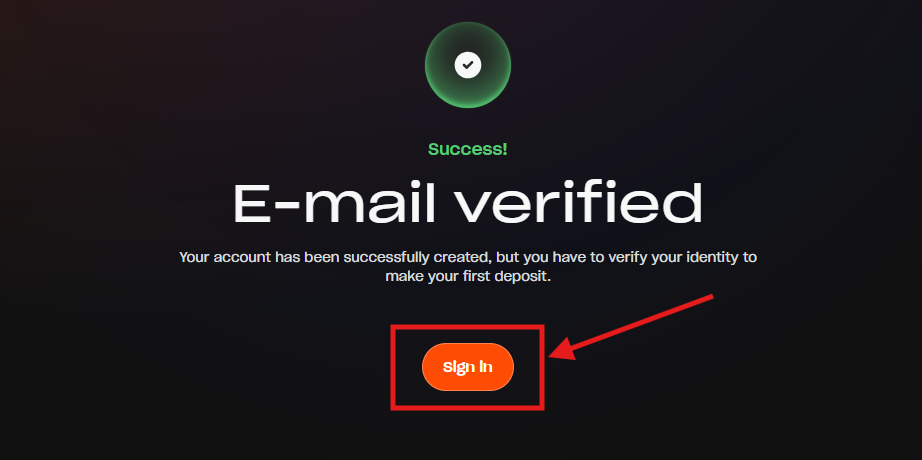
5. You will see a message confirming that your email has been successfully verified. Click "Sign in" to proceed.
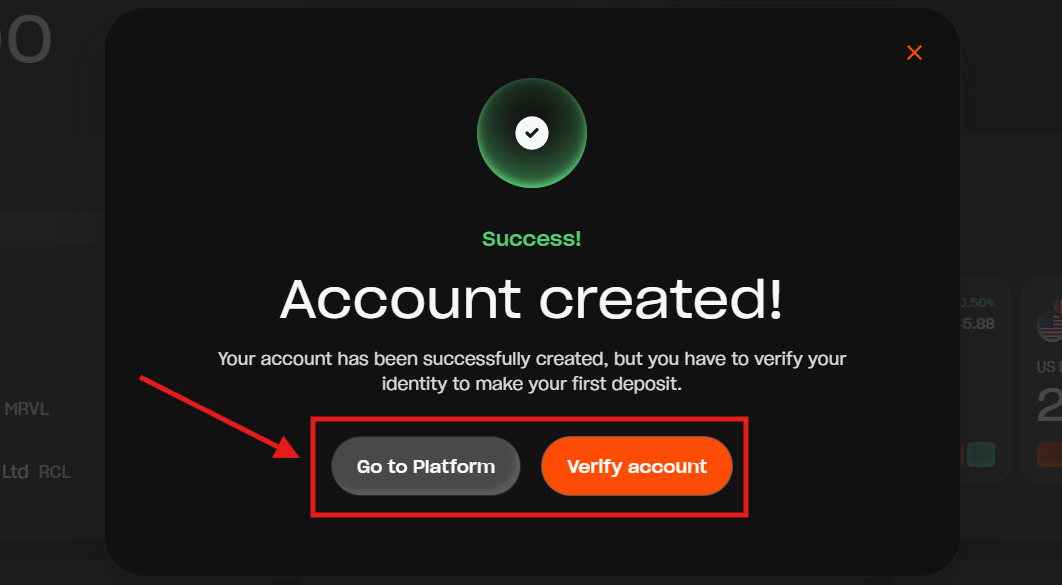
6. The system will prompt you to complete verification when you first enter the platform, but you can choose to do it later.
Was this article helpful?
That’s Great!
Thank you for your feedback
Sorry! We couldn't be helpful
Thank you for your feedback
Feedback sent
We appreciate your effort and will try to fix the article