To log into your account, you need the email address you used when signing up and your password. If you forgot your password, please follow the steps below:
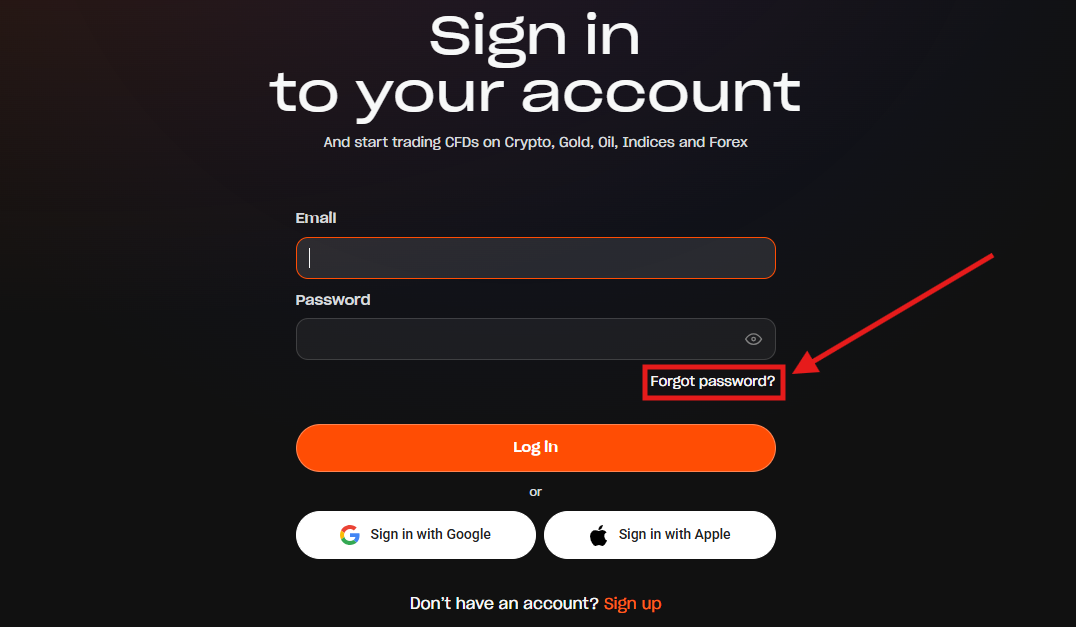
1. On the login page, click or tap "Forgot password?".
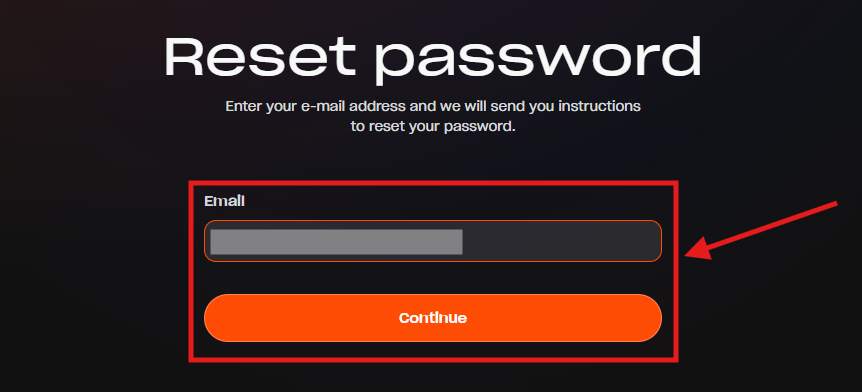
2. Enter the email address associated with your account and click or tap "Continue".
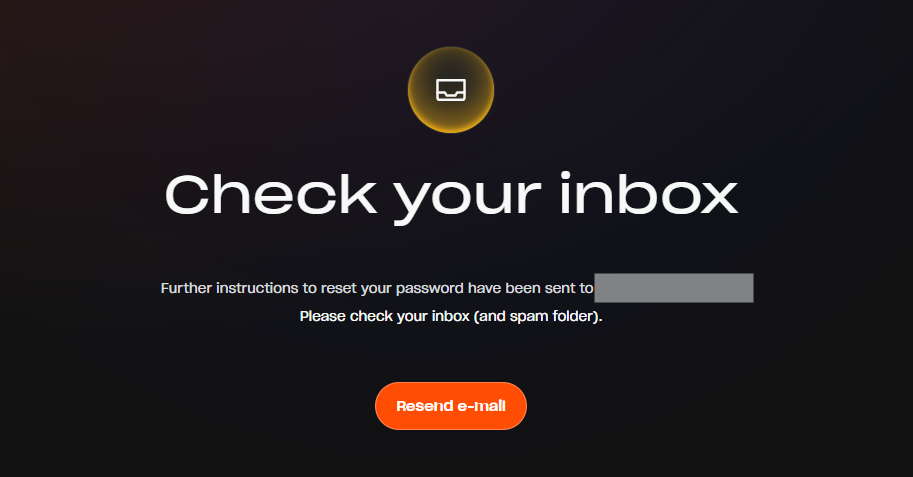
3. We will send password reset instructions to your email address. Please check both your inbox and spam folders.
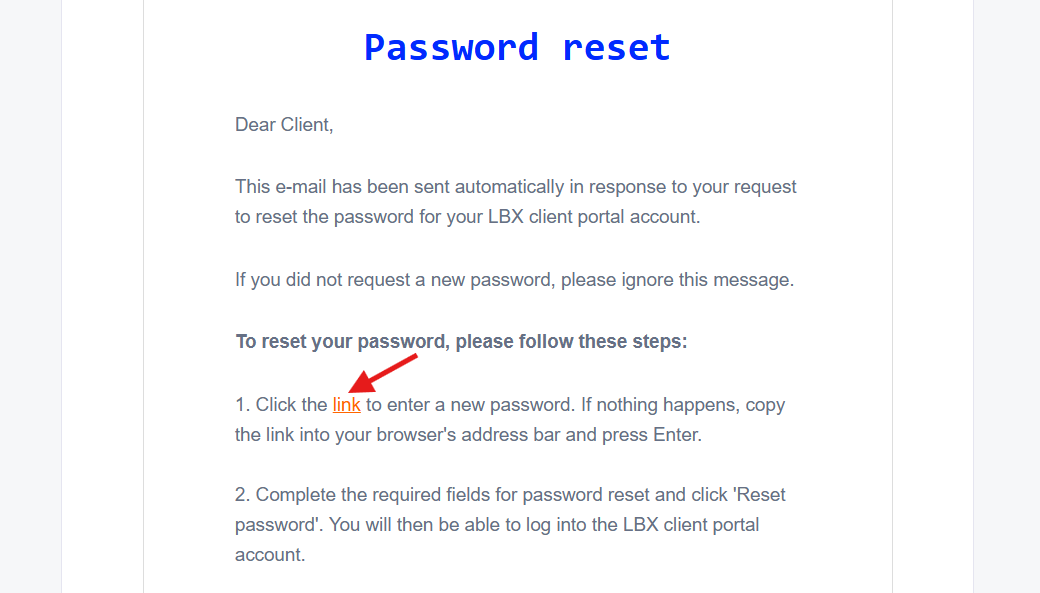
4. Open the email and click the link to reset your password.
5. Enter your new password twice and click or tap "Continue".
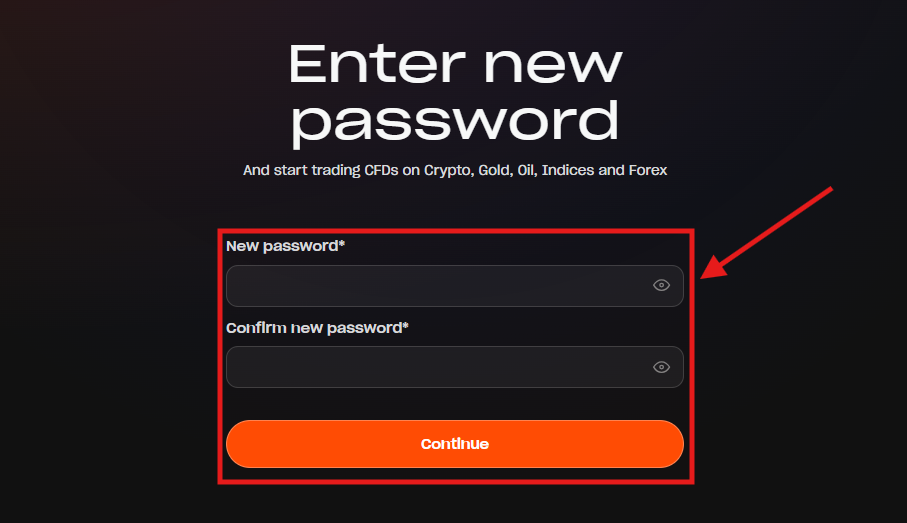
Now you can log in using your email address and your new password.
If you can't recover your password for any reason, please contact us via our online chat or send an email to support@lbx.com. We'll be happy to help!
Was this article helpful?
That’s Great!
Thank you for your feedback
Sorry! We couldn't be helpful
Thank you for your feedback
Feedback sent
We appreciate your effort and will try to fix the article