Video guide
Walkthrough
Please note that the list of available payment methods may vary depending on your country of residence. To view all available deposit methods, click here.
1. Log in to your personal account.
2. Go to the "Funds" section and select "Deposit Funds".
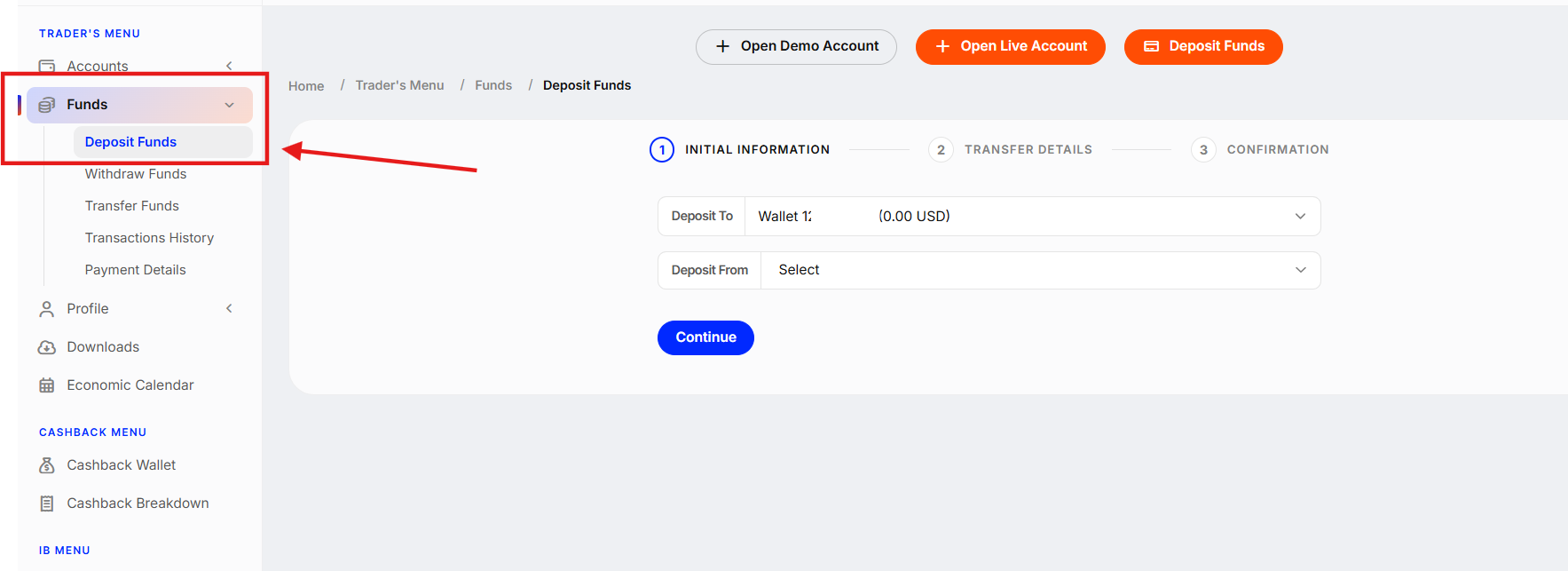
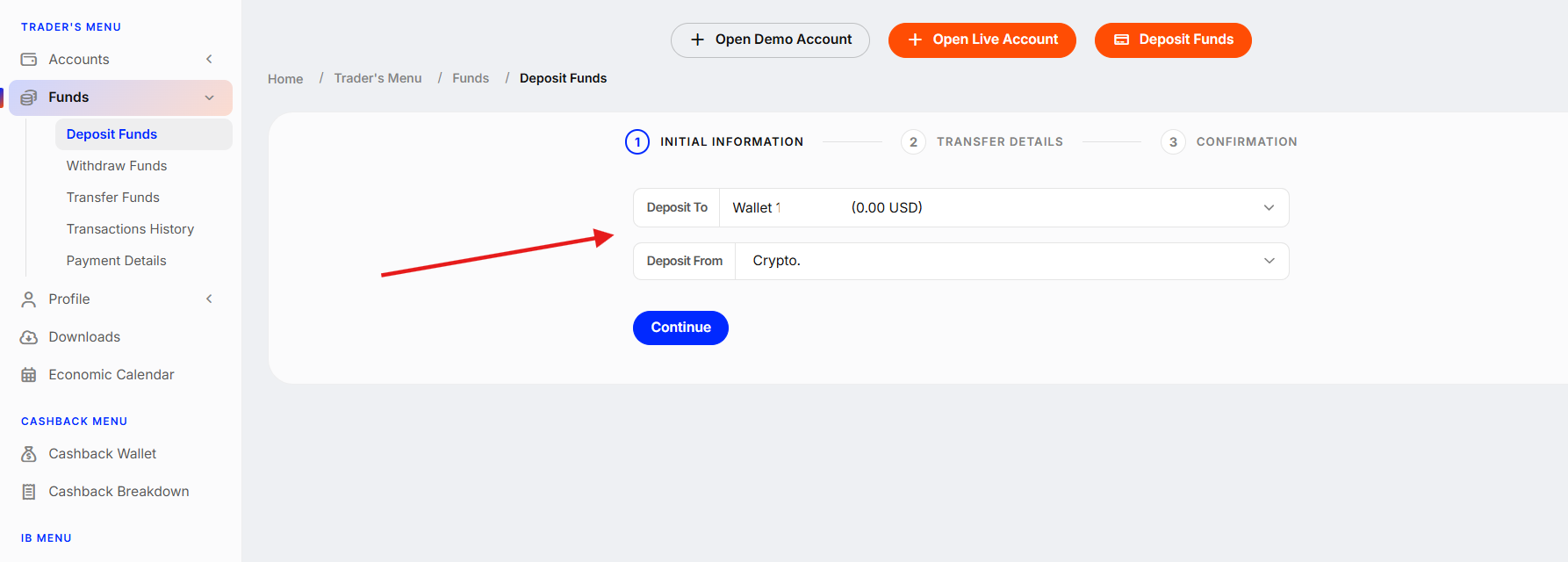
3. Select the Wallet for deposit and the payment method. Click "Continue".
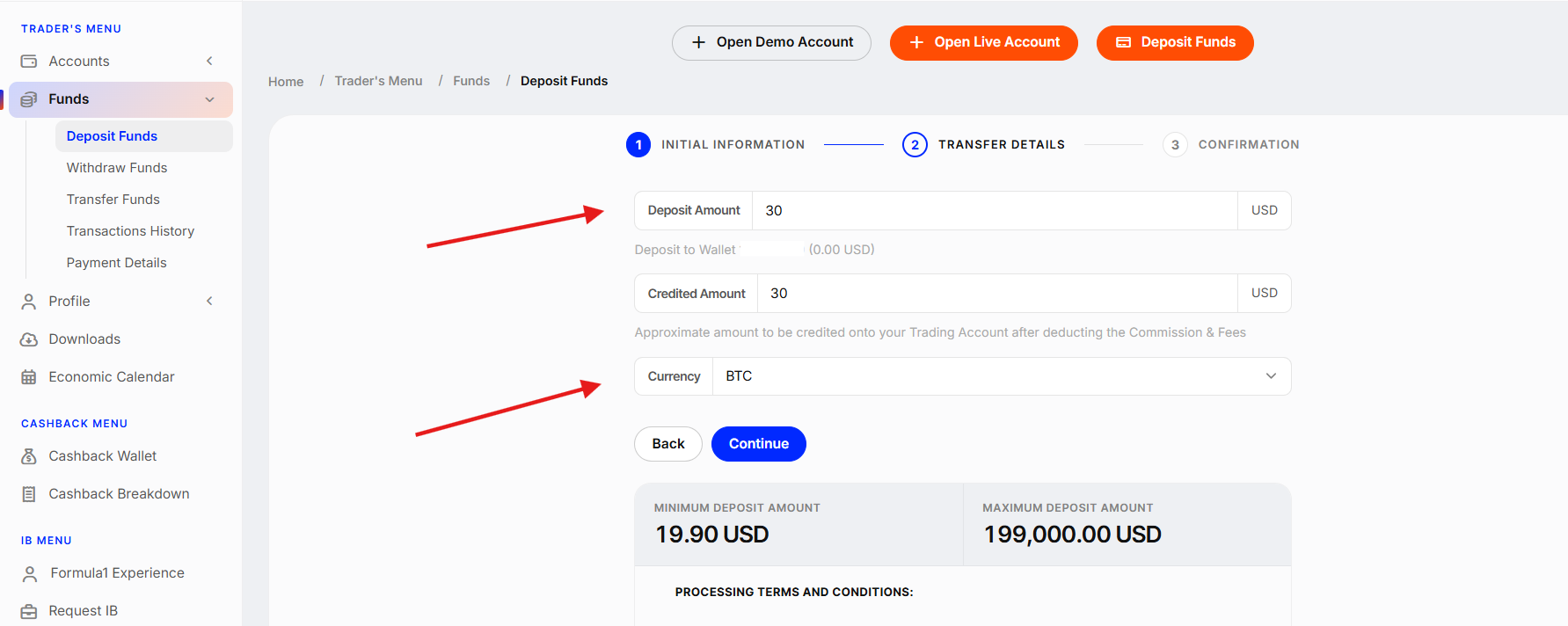
4. Enter the deposit amount and fill in all necessary details according to your chosen method. Click "Continue".
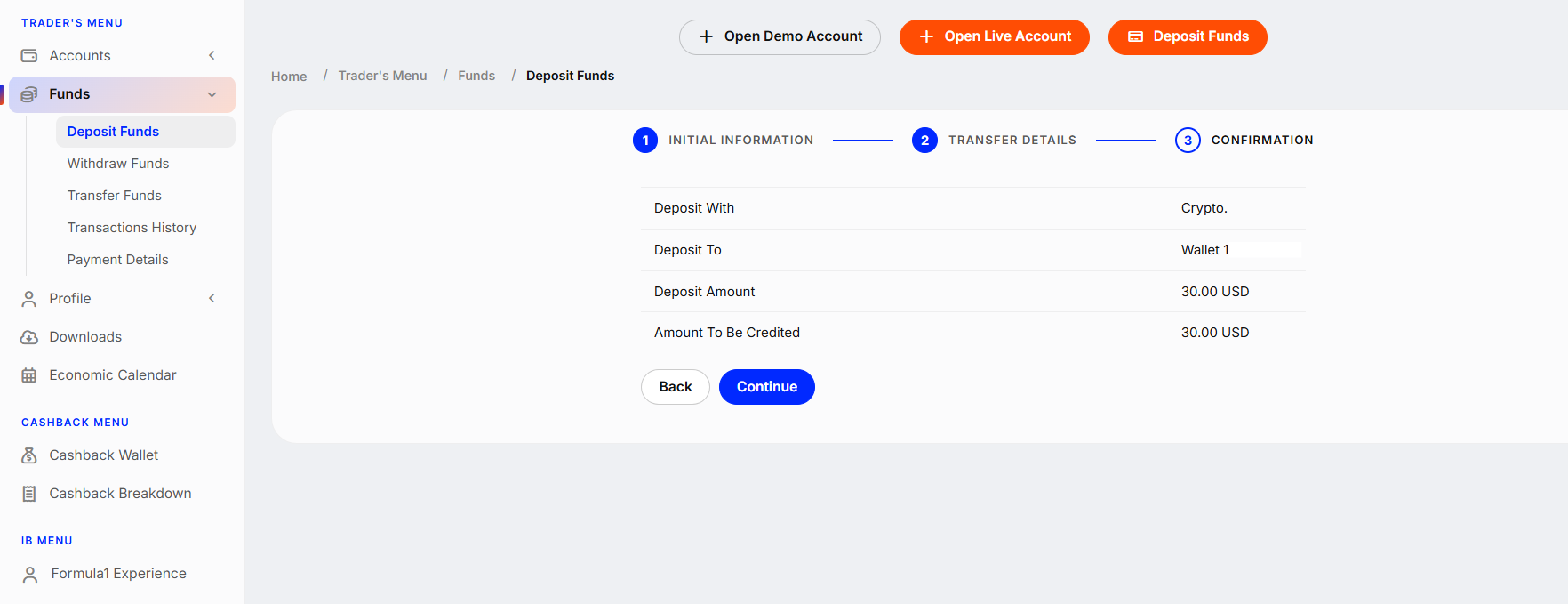
5. Carefully check all payment details and click "Continue".
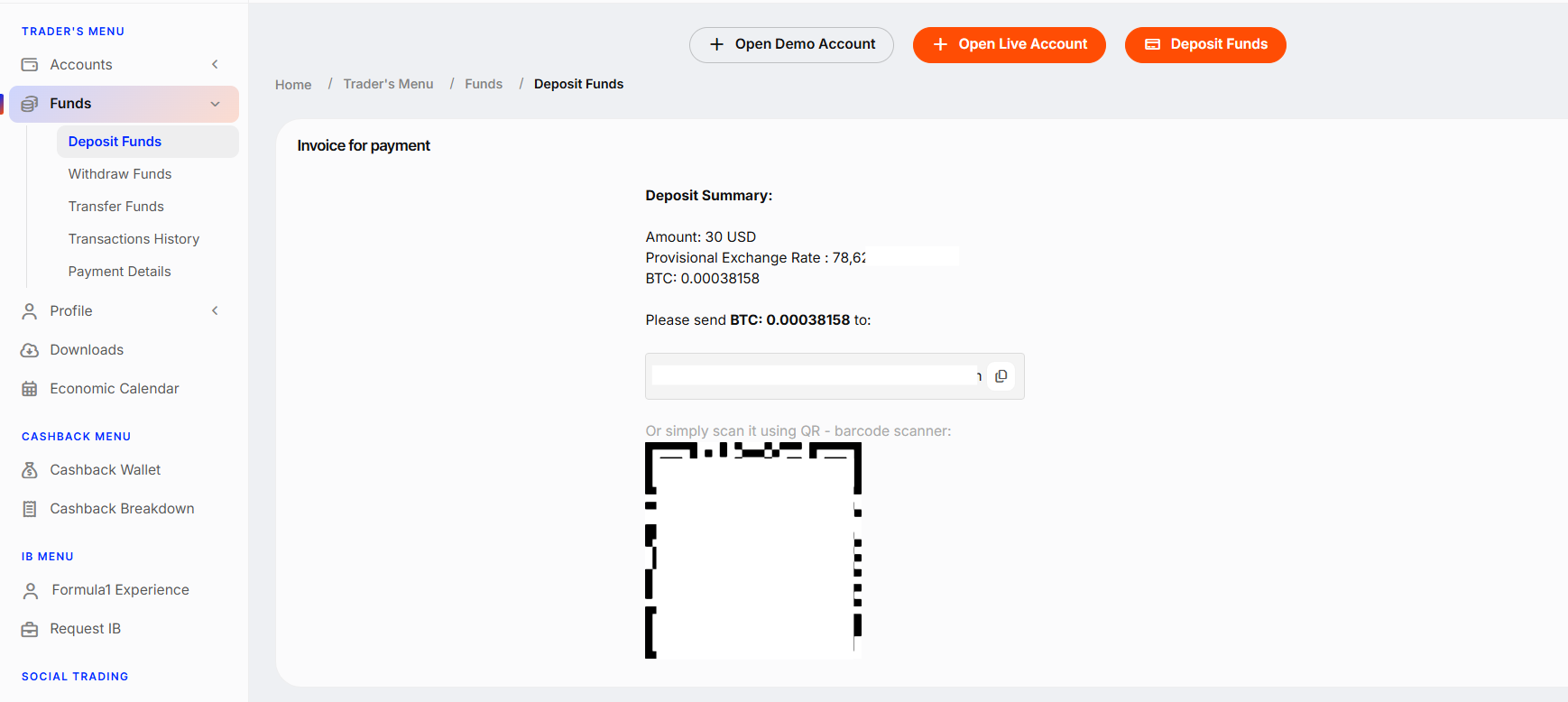
6. Depending on your chosen method, you will be redirected to the payment page. Finish the transaction following the on-screen instructions to complete the deposit.
Was this article helpful?
That’s Great!
Thank you for your feedback
Sorry! We couldn't be helpful
Thank you for your feedback
Feedback sent
We appreciate your effort and will try to fix the article