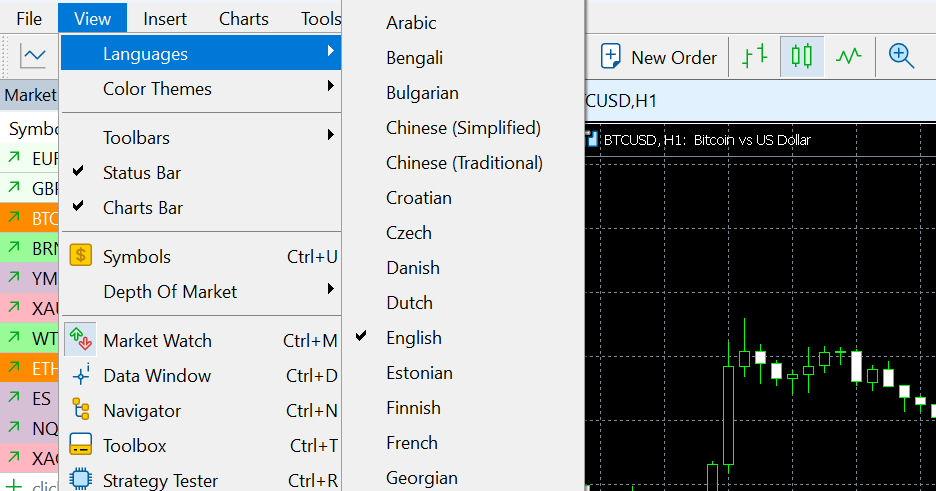
1. Open the View menu: On the top menu bar, click "View".
2. Select Languages: Hover over "Languages" to see the list of available options and select your preferred language.
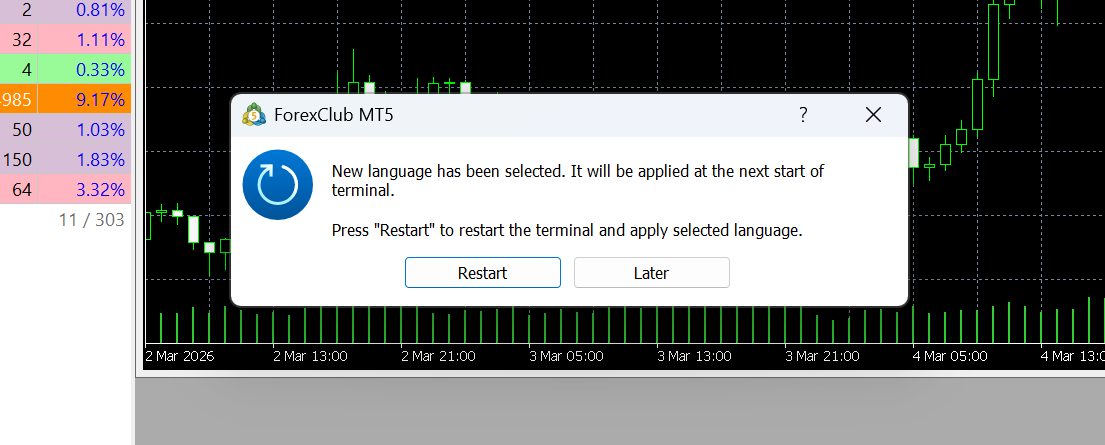
4. Restart the platform: A pop-up window will appear asking to restart the application. Click "Restart" to apply the changes.
Was this article helpful?
That’s Great!
Thank you for your feedback
Sorry! We couldn't be helpful
Thank you for your feedback
Feedback sent
We appreciate your effort and will try to fix the article