The Portfolio section includes the following features:
- Positions (current trades) and Orders (pending orders) tabs
- Filter button
- "Close all positions" button
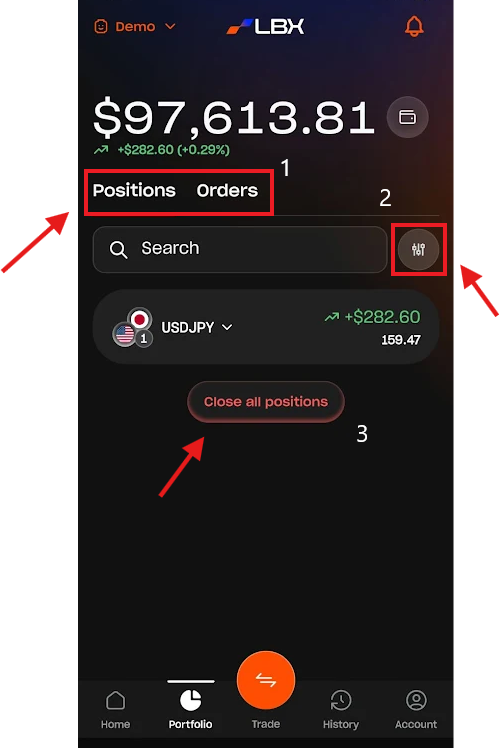
Positions and Orders
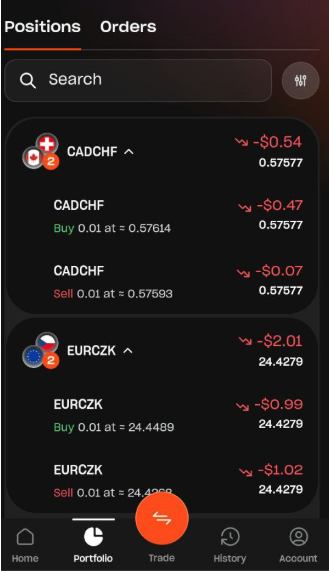
The Positions and Orders tabs display all active trades and pending orders for the selected account. If you have multiple trades on a single instrument, they will be grouped accordingly.
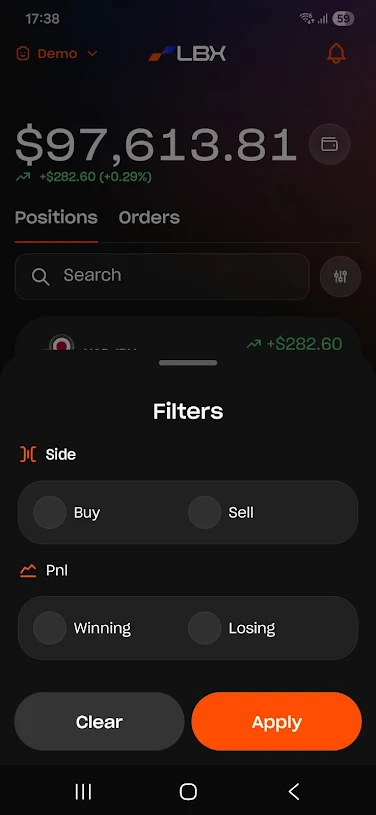
Filter button
This option allows you to filter positions by trade direction (Buy/Sell) and profitability (winning or losing trades).
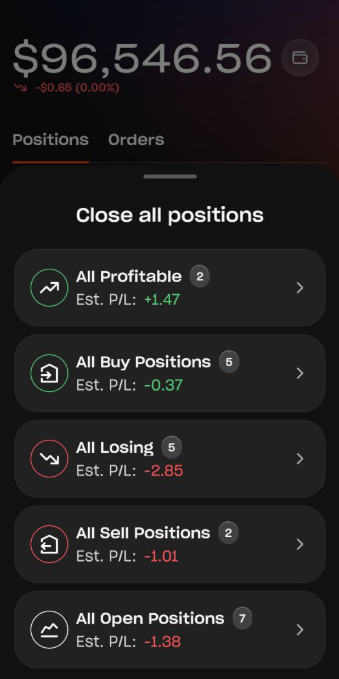
Close all positions
Here, you can close all trades at once or select specific positions to close.
Was this article helpful?
That’s Great!
Thank you for your feedback
Sorry! We couldn't be helpful
Thank you for your feedback
Feedback sent
We appreciate your effort and will try to fix the article