We are excited to introduce the new LBX app, built to make your trading experience seamless and intuitive!
Follow our step-by-step guide to create your LBX account in minutes.
Note: Accounts created on the LBX website are fully compatible with the app. If you already have an LBX account registered via our website, you can use the same credentials to log into the app.
Video guide
Walkthrough
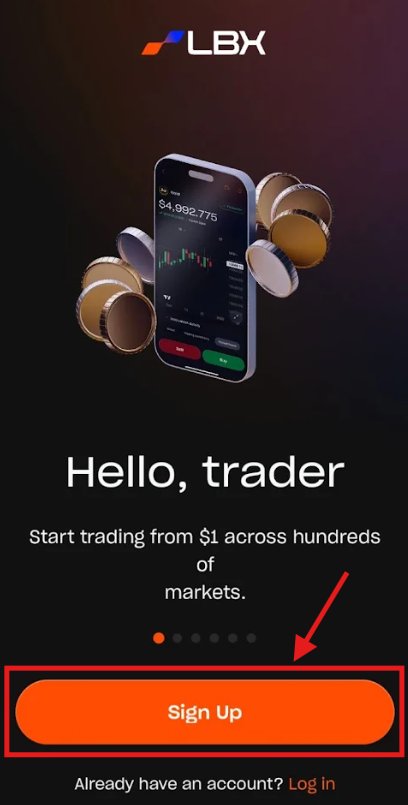
1. Open the app and tap "Sign Up".
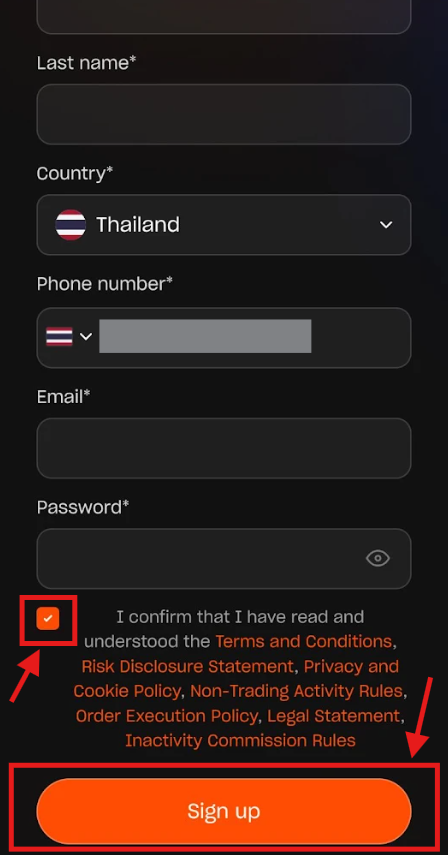
2. Enter your First and Last Name, Country, Phone number, Email, and Password. Accept the Terms & Conditions and tap "Sign Up".
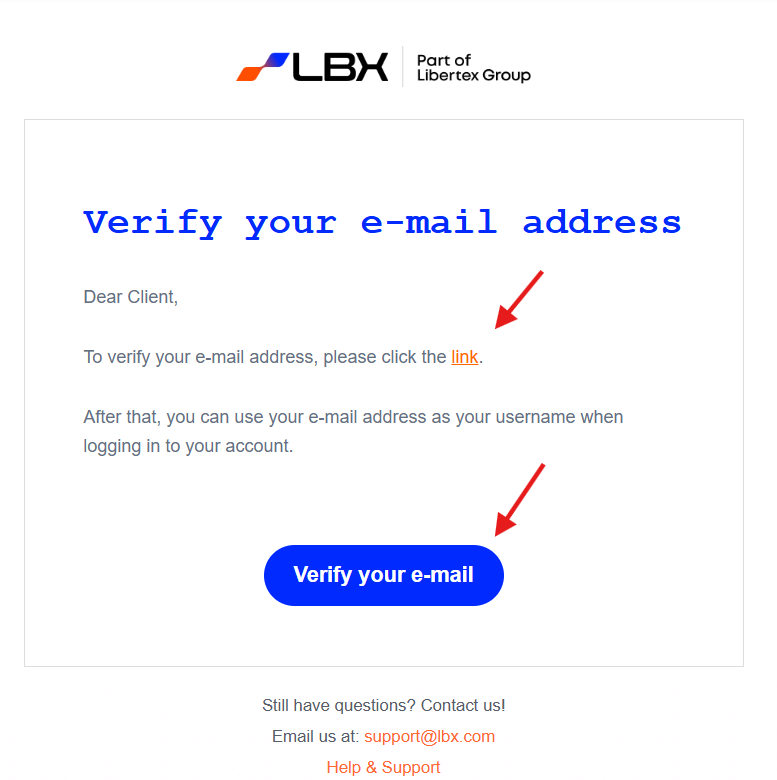
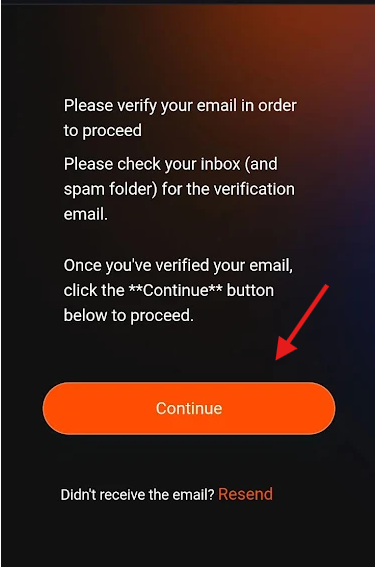
3. A verification email will be sent to your email address. Please check both your Inbox and Spam folders.

4. Open the verification email and tap the confirmation link or the "Verify your e-mail" button.
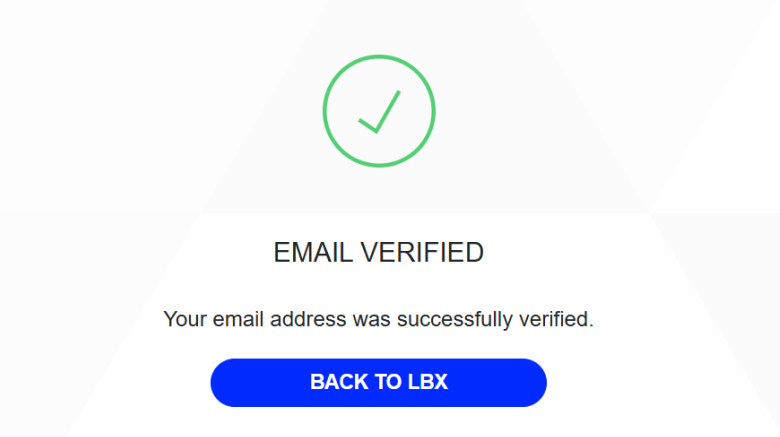
5. You will see a message confirming that your email has been successfully verified.
6. Return to the app and tap "Continue" to proceed.
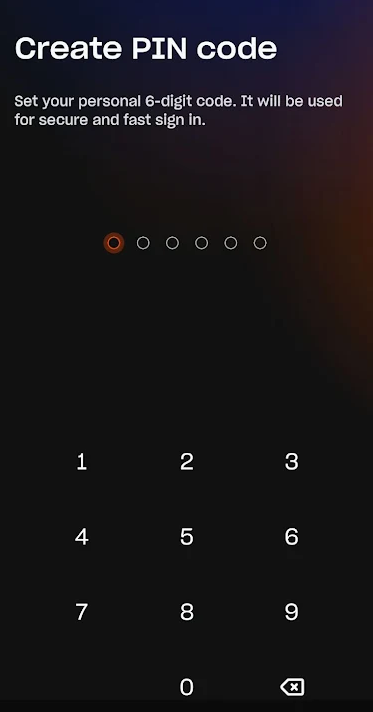
7. Create a PIN code that you will use each time you access the app.
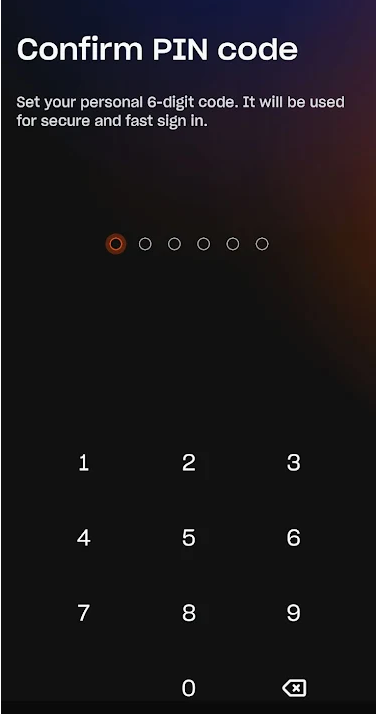
8. Re-enter your PIN to confirm.
9. Optionally, you may enable your fingerprint to access the app.
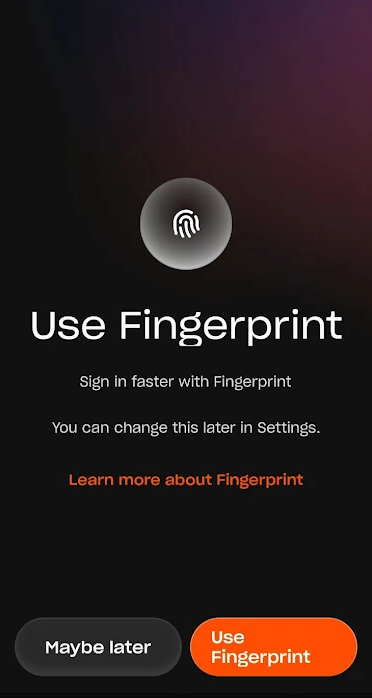
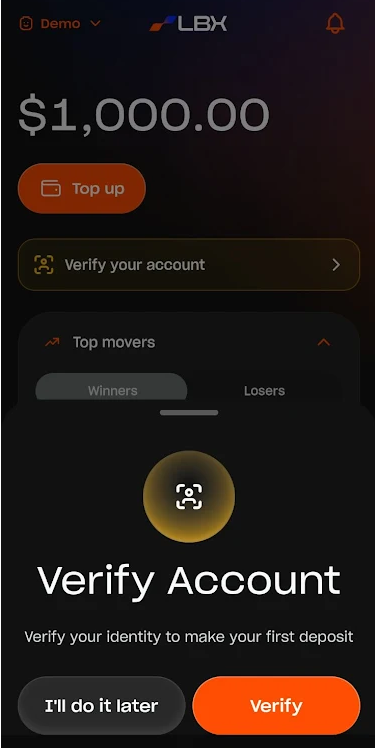
Great! You have successfully registered your LBX account. The system will prompt you to complete verification when you first enter the app, but you can choose to do it later.
More guides for the LBX App
We’ve also prepared comprehensive guides for every section of the LBX app, explaining every feature and button to ensure your experience is pleasant and smooth. Tap the corresponding link to learn more:
- [Home Section Guide]
- [Portfolio Section Guide]
- [Trade Section Guide]
- [History Section Guide]
- [Account Section Guide]
We strive to provide excellent service and prompt support to our clients. Thank you for joining us at LBX!
Was this article helpful?
That’s Great!
Thank you for your feedback
Sorry! We couldn't be helpful
Thank you for your feedback
Feedback sent
We appreciate your effort and will try to fix the article